How Mobile Order Tracking Improves the Buying Experience
How Mobile Order Tracking Improves the Buying Experience A customer orders a storage organizer on a Thursday evening. A confirmation email arrives within seconds, complete

It is the last week of the month and the admin team is still matching distributor records against sales entries. A new member’s sponsor was typed differently in two files. One order has no reference number. Someone asks why a payout figure changed since the last report, and nobody can say quickly which version is correct.
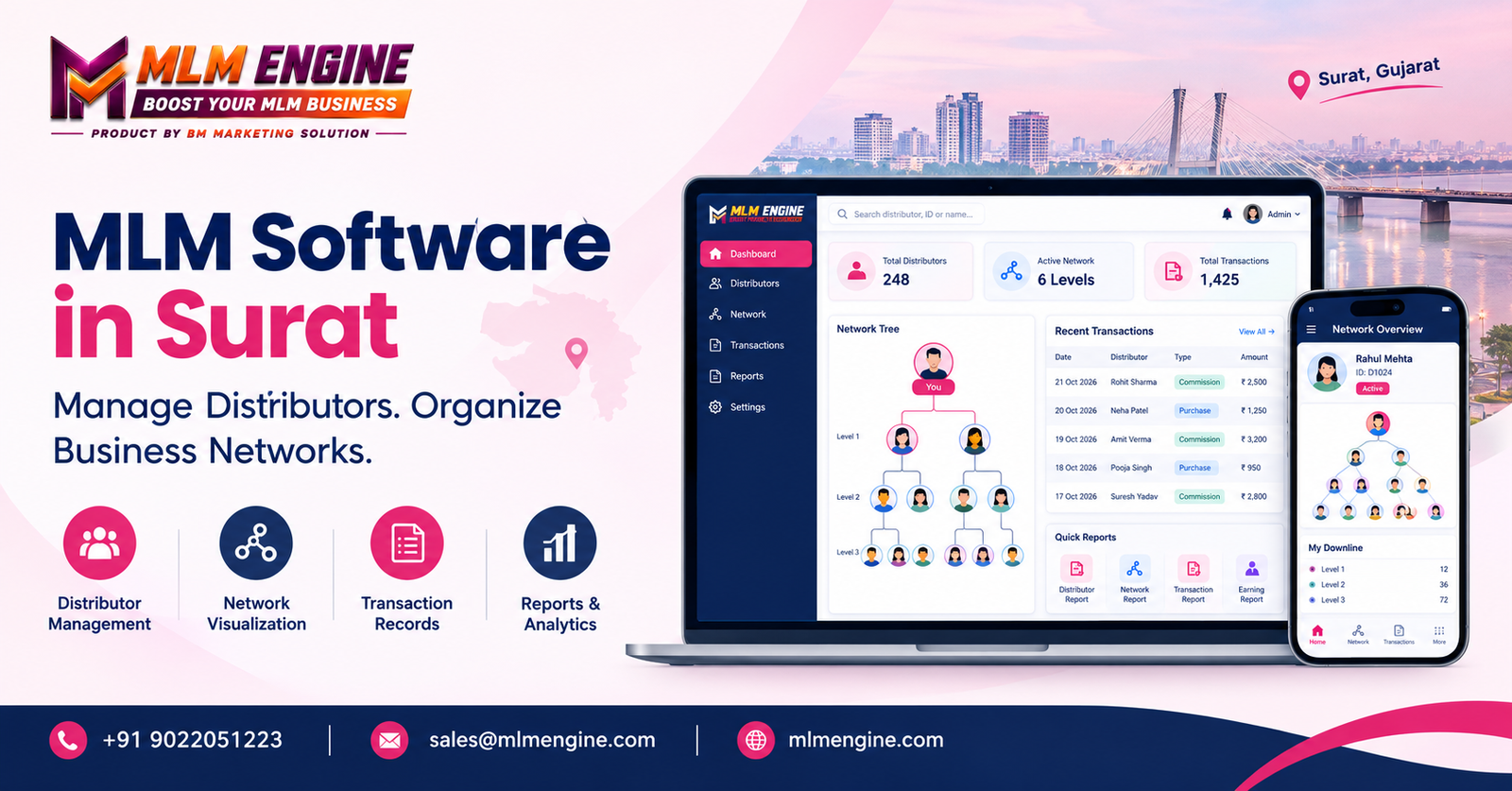
Many distributor-based businesses reach this point as they grow. The people are capable, but the records are scattered. This is where MLM Software in Surat becomes a practical topic: a central system can keep member details, sponsor relationships, transactions and reports in one place.
This article explains what such software does, what to evaluate before choosing, and how to avoid common buying mistakes. It is written for business owners, sales managers and administrators who want a clear picture before they speak to any provider.
MLM software is a platform for administering a distributor-based or network-based business. Depending on the features chosen, it can store member records, link each member to a sponsor, record sales transactions, apply commission rules and produce reports for the people who need them.
The difference from disconnected files is easiest to see in daily work. With separate sheets, every update has to be repeated by hand in several places, and each copy can drift away from the others. In a centralized Distributor Network Management System, one record is updated once and the change is visible wherever it matters. Permissions decide who may view or edit it, and a history of changes can be kept.
No platform fixes an unclear business model, though. The software works from the rules you give it, so the quality of the result depends on how well your plan, workflows and approvals are defined.
Every business is different, and not every company in the city has the same needs. Still, certain challenges appear in most growing distributor networks. These are the points where Distributor Management Software Surat is usually considered:
Software cannot remove these problems on its own. What it can do is give the teams a shared structure to work from, so that problems are easier to spot and correct.
A feature list means little until you connect each item to a problem you actually have. For every feature below, ask what it solves for you and how the provider can show it working.
Good Member Management Software keeps a complete profile for each distributor: registration details, sponsor information, account status and a history of updates. Check who is allowed to change a record and whether those changes are logged. Ask how profiles are verified before an account becomes active, and what happens when a member’s details change.
A visual tree lets administrators review sponsor relationships and network structure without reading through long lists. Effective Genealogy Tree Management depends on the tree matching your real structure, whether that is a binary layout, a unilevel layout or something else. Do not assume support. Ask for a demonstration using your own structure and confirm how large networks are displayed and searched.
MLM Sales Tracking Software should give you transaction histories, order references, sales summaries and clear order statuses. The practical test is whether a person on your team can trace one sale from entry to its effect on the records. Ask how cancellations, returns and corrections are recorded.
Calculations depend on two things: a documented compensation plan and the way the software is configured to apply it. If either is vague, the output will be too. Good commission tracking software lets you review calculations at transaction level, record adjustments with a reason, and explain a figure to a member when asked. Request a walk-through of a sample calculation that mirrors your own rules.
Reports help authorized users review sales, member activity, network information and other operational records. Strong MLM Reporting and Analytics means you can find the report you need without waiting for someone to build it manually. Ask which reports are included, whether they can be filtered, and whether data can be exported for further review.
Payment-related functions vary widely between providers. Before buying, verify which wallet records are supported, which payment gateways can be connected, how orders are managed, and what integration work your setup requires. Where a feature depends on a third-party service, ask who handles that integration and what it costs.
Look for role-based access so people see only what their job requires. Ask about backups, data protection practices, system maintenance and how the platform copes as your member base grows. Customization deserves a direct conversation too. Separate what is standard from what is an optional integration or custom development, because each may involve different timelines and costs.
Used well, Business Network Management Software supports more organized administration. The realistic benefits include:
For companies exploring Network Marketing Software Surat, these are the benefits worth testing in a demonstration. It is equally important to be clear about what software does not do. It does not automatically raise sales, guarantee profitability or ensure that distributors stay. Those outcomes depend on products, training, leadership and market conditions.
The following is a hypothetical illustration, not a real customer case and not a demonstration of any specific product.
Imagine a Surat-based company selling household products through independent distributors. A new person applies to join. The administrator enters the registration details, and a second team member verifies the information before the account is marked active.
The administrator then assigns the distributor to a sponsor. The relationship appears in the network tree, where a manager can confirm it. When the distributor’s first order is placed, the transaction is recorded with an order reference and a status. At the end of the period, the accounts team reviews the commission entries linked to those transactions, notes one adjustment with a reason, and approves the figures. Finally, the manager prepares a summary of sales and member activity from the same records.
How closely any real business can follow this depends on its model, the software configuration and the features it has chosen. The value of the example is the sequence: each step leaves a record that the next step can rely on.
Treat this as a buying process rather than a feature hunt. A sensible order looks like this:
A good piece of MLM Business Management Software should hold up under this kind of scrutiny. Be cautious of anyone who offers unverified prices, certifications, customer results or comparisons with other providers, and do not rely on them in your decision.
Choosing on price alone: A low quote can hide costs for integrations, customization or support. Ask for a complete cost picture and compare like with like.
Assuming every compensation plan is supported: Plans differ in detail. Ask the provider to configure a sample of your plan during the demonstration, and treat a hesitant answer as useful information.
Ignoring migration: Existing member and transaction data has to move somewhere. Ask how data is cleaned, imported and checked, and who is responsible for each step.
Overlooking integration costs: Payment gateways and other connections may require separate work. Confirm scope and cost in writing.
Skipping demonstrations: A brochure shows what a product claims to do. A demonstration shows what it actually does with your scenarios.
Neglecting training: A capable system is wasted if the team cannot use it confidently. Ask what training is included and how new staff are supported later.
Accepting unclear support terms: Find out response expectations, channels and what is covered after launch, and have these terms written down.
Businesses comparing options can include MLM Engine in their evaluation. Interested companies can contact the provider to discuss their distributor structure, required compensation plan, recordkeeping needs, reporting expectations and integration requirements. The company’s website is https://mlmengine.com/.
As with any provider, please confirm the current package, functionality, customization options, implementation process, pricing and support directly with MLM Engine before making a decision. Features should be verified through official sources and a live walk-through rather than assumed from any article, including this one.
Managing distributors and business networks becomes harder as the network grows, and scattered records make every review slower. A well-chosen system can bring member details, sponsor relationships, transactions, commissions and reports into one structure that your teams can trust.
The decision deserves care. Define your requirements, test realistic workflows, confirm what is standard and what is extra, and verify every claim before you buy. When you evaluate MLM Software in Surat, compare more than one solution and include MLM Engine among the providers you explore. Ask the questions above and insist on a demonstration that reflects your own business.
Contact MLM Engine
Email: sales@mlmengine.com
Phone: +91 9022051223
Website: https://mlmengine.com/
WhatsApp Channel: https://whatsapp.com/channel/0029Vaj8FP577qVKIi7ooC1d
How Mobile Order Tracking Improves the Buying Experience A customer orders a storage organizer on a Thursday evening. A confirmation email arrives within seconds, complete
Payout Transaction Management: How to Track Pending Payments and Verify Completed Transactions Every business that pays commissions, vendor bills, or partner settlements eventually faces the
How to Manage Multiple Warehouses for a Product Distribution Business A distributor with several warehouses needs more than a stock total. Staff need to know
How to Manage Multiple Warehouses for a Product Distribution Business A distributor with several warehouses needs more than a stock total. Staff need to know
MLM Software in Chennai: How Direct Sellers Can Organize Their Business Operations A growing direct-selling business may have member details in one spreadsheet, order histories
How an MLM Genealogy Tree Works: Visualizing Distributor Networks Step by Step Imagine an administrator opening a spreadsheet on a busy Monday. A distributor has
Repurchase MLM Software in Hadapsar: Managing Repeat Purchases, Distributor Networks and Commissions Picture an administrator at month-end. A distributor says her repeat order from three