Payment Gateway Integration: What Businesses Should Know Before Launch
How to Manage Multiple Warehouses for a Product Distribution Business A distributor with several warehouses needs more than a stock total. Staff need to know

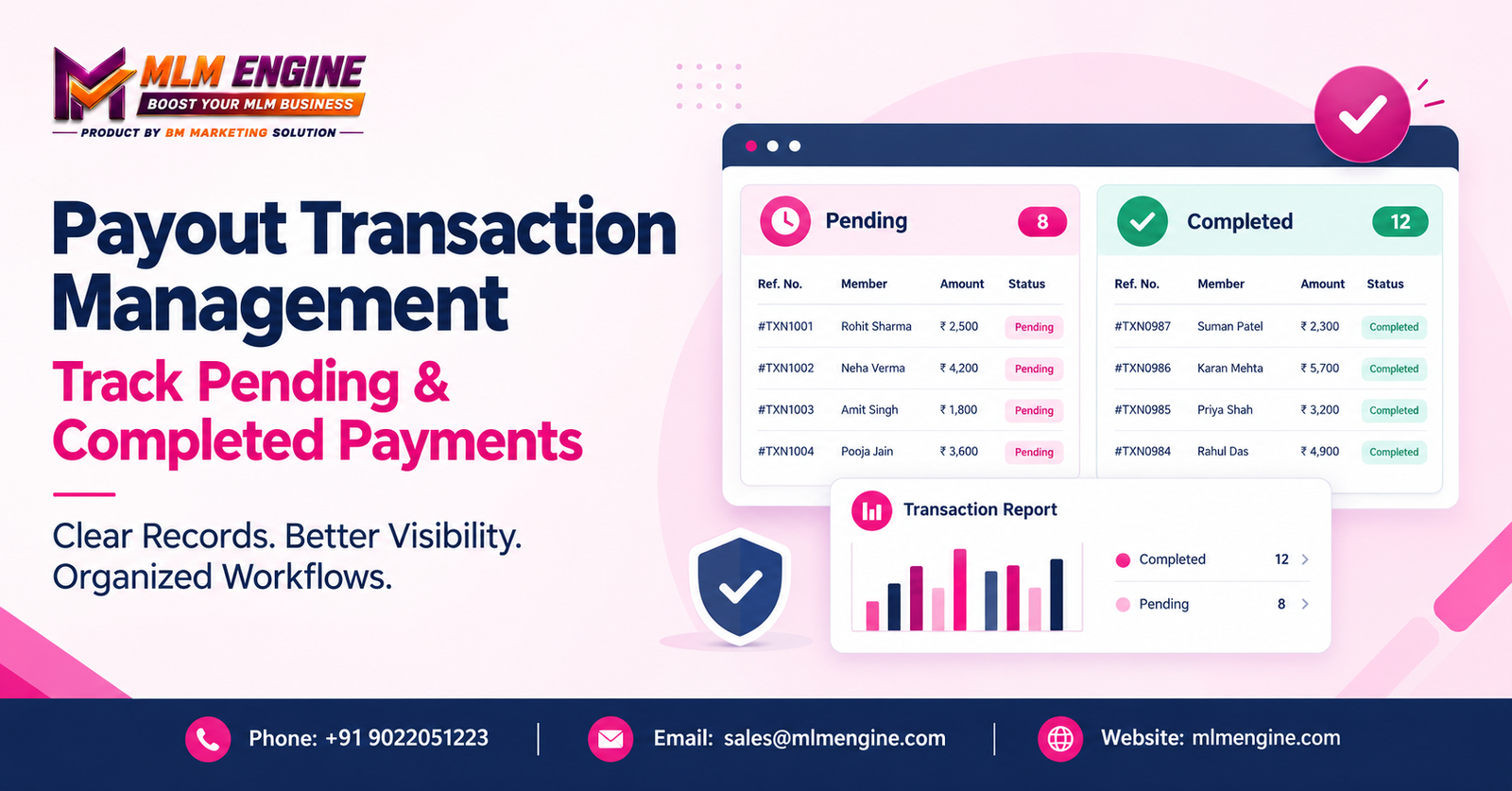
Every business that pays commissions, vendor bills, or partner settlements eventually faces the same question: what is the exact status of this payment right now? A payout rarely moves from “requested” to “done” in one step. It can be initiated, approved, processed, verified, completed, or fail along the way. Without a clear record at each stage, finance teams end up chasing updates instead of managing money.
This is where Payout Transaction Management becomes useful. It is the practice of recording, monitoring, verifying, and reviewing outgoing payments so that authorized staff can see where each transaction stands, investigate exceptions, and keep consistent records. No process removes every delay or error, but a structured one makes problems easier to spot and fix.
This guide covers pending and completed payouts, reconciliation, reporting, security, and how to choose suitable software.
In simple terms, Payout Transaction Management is how a business keeps track of money it sends out. It covers recording each payout, watching its status, verifying that it reached the recipient, and matching it against financial records.
It can apply to distributor commissions, member payouts, vendor payments, partner settlements, refunds, or other disbursements, depending on how the organization operates. For companies that run MLM Commission Payouts, the volume of recipients and the regularity of payout cycles make clear records especially important.
It helps to separate four moments that are often confused:
Related concepts include transaction reference numbers, recipient information, exception handling, and Payout History Management. The exact workflow depends on your payment provider, business policies, and software configuration.
These are the two statuses teams deal with most, and mixing them up causes real problems.
Pending Payout Transactions are payouts that have been initiated or recorded but have not reached a confirmed final state in the relevant system. A pending status does not automatically mean failure. Common reasons include:
Before acting, authorized staff should review the transaction reference, initiation time, approval history, provider response, and the applicable payout policy. Never initiate a duplicate payout just because a transaction is still pending. That is one of the easiest ways to pay someone twice.
Completed Payout Transactions are those marked as completed according to the relevant system or payment provider. Good records usually include:
Be clear about what “completed” means in your workflow. A status in one system may not carry the same level of confirmation as in another, so verify against provider records and supporting documents where appropriate.
When payout information lives in scattered files, chat messages, accounting entries, and provider dashboards, several problems appear:
A structured process, supported by suitable software, can centralize relevant information, standardize reviews and improve accountability. Software alone does not guarantee error-free payments, though. People and procedures still matter.
When evaluating Payout Management Software, treat the following as features to verify, not assumptions.
A single record lets authorized staff review details without hunting through disconnected sources. Look for search, filters, date ranges, recipient references, transaction IDs, and status-based views.
Good Payout Status Monitoring helps administrators prioritize what needs review. Ask whether the platform offers configurable alerts, pending-duration filters, exception queues, and status-update history.
An accessible history supports internal reviews, recipient enquiries, audit preparation, and financial documentation. Strong Payout History Management means you can answer “what happened to this payment?” quickly.
Approval steps, role-based access, and documented review procedures reduce the risk of unauthorized changes. Confirm whether multi-level approvals are supported and which controls come included.
Integration can affect how statuses, provider references, and responses are received or updated. Verify supported providers, integration requirements, additional charges, and error-handling procedures before you buy.
Transaction Reconciliation means comparing payout records against provider statements, bank records, or other authoritative documents. It helps surface unmatched entries, duplicate records, incorrect amounts, and transactions needing investigation. It should always follow your organization’s financial controls and accounting procedures.
Financial Transaction Reports help review payout volumes, statuses, amounts, date ranges, and exceptions. Export options and filters can support finance teams, provided the platform offers them.
Look at access controls, secure handling of financial data, backups, documented changes, and audit records. Review the provider’s security practices, data retention arrangements, and access policies before deciding.
This is a general illustrative workflow. Actual steps will vary with your payment provider, payout method, and business requirements.
This scenario is fictional and only explains the process. It is not a verified MLM Engine feature demonstration or a real customer case study.
Imagine a business that pays commissions to its authorized distributors. Its finance team reviews a payout list with three transactions.
The same list produces three different actions. Clear Payment Transaction Tracking is what makes that possible.
Adapt these to your payment methods, internal controls, and regulatory obligations.
Documented procedures and suitable software can help address each of these, but only when people actually follow the procedures.
The right choice fits your real workflows, budget, and control requirements.
MLM Engine is a software provider that prospective customers can contact to discuss broader business and transaction-management requirements. When you reach out, describe your payout workflow, the transaction statuses you use, your reporting needs, and the payment providers you work with.
Ask for a demonstration and confirm the current availability of every payout feature you need before making a decision. You can start at https://mlmengine.com/.
Clear payout records, accurate status monitoring, careful verification, and consistent reconciliation protect a business from confusion, duplicate payments, and weak documentation. Payout Transaction Management gives teams a structured way to review their work: separate unresolved payments from completed ones, investigate discrepancies, and keep financial records organized. It works best when supported by suitable systems and sound internal controls.
If you are reviewing software for Digital Payout Management, discuss your requirements with MLM Engine and confirm which features are currently available.
Contact MLM Engine
Email: sales@mlmengine.com
Phone: +91 9022051223
Website: https://mlmengine.com/
WhatsApp Channel: https://whatsapp.com/channel/0029Vaj8FP577qVKIi7ooC1d
How to Manage Multiple Warehouses for a Product Distribution Business A distributor with several warehouses needs more than a stock total. Staff need to know
How to Manage Multiple Warehouses for a Product Distribution Business A distributor with several warehouses needs more than a stock total. Staff need to know
MLM Software in Chennai: How Direct Sellers Can Organize Their Business Operations A growing direct-selling business may have member details in one spreadsheet, order histories
How an MLM Genealogy Tree Works: Visualizing Distributor Networks Step by Step Imagine an administrator opening a spreadsheet on a busy Monday. A distributor has
Repurchase MLM Software in Hadapsar: Managing Repeat Purchases, Distributor Networks and Commissions Picture an administrator at month-end. A distributor says her repeat order from three
Repurchase MLM Software in Hadapsar: Managing Repeat Purchases, Distributor Networks and Commissions Picture an administrator at month-end. A distributor says her repeat order from three
Repurchase MLM Software in Hadapsar: Managing Repeat Purchases, Distributor Networks and Commissions In a network marketing business, one order matters less than the orders that
Payout Transaction Management is the process of recording, monitoring, verifying, and reconciling outgoing payments. It gives authorized staff a clear view of where each payout stands, helps them investigate exceptions, and supports consistent, well-documented financial records across commissions, vendor payments, refunds, and other disbursements.
It means the payout has been initiated or recorded but has not yet reached a confirmed final status. It may still need processing, approval, or verification. Pending does not automatically mean failed, so review the reference, timestamps, and provider response before taking action.
Start with the transaction reference and the status shown in your system or provider records. Then check completion details such as dates, amounts, and provider references, and compare them with supporting financial documents. This confirms that a “completed” label matches the actual payment.
Separate tracking keeps unresolved transactions visible instead of letting them blend into finished work. Teams can prioritize follow-ups on pending items while treating completed ones as ready for reconciliation. It also reduces confusion and the chance of repeat payments.
Check the latest authoritative transaction status before any follow-up payment, use unique references for every payout, and follow a documented review procedure. Limiting who can initiate payouts and recording every status change also helps prevent accidental repeats.
It is the comparison of payout records against provider statements, bank records, or other financial documents. The goal is to identify mismatches such as missing entries, duplicates, or incorrect amounts, so that each discrepancy can be investigated and documented under your financial controls.
That depends on the software, the provider, and the configuration. Some platforms support certain gateways and others do not. Confirm supported providers, integration requirements, any extra charges, and error-handling procedures with the vendor before purchase.
Contact MLM Engine directly, describe your payout workflow, and ask for confirmation of current capabilities, integrations, pricing, and support. Request a demonstration using your own scenarios rather than assuming any feature is included.