How to Manage Multiple Warehouses for a Product Distribution Business
How to Manage Multiple Warehouses for a Product Distribution Business A distributor with several warehouses needs more than a stock total. Staff need to know

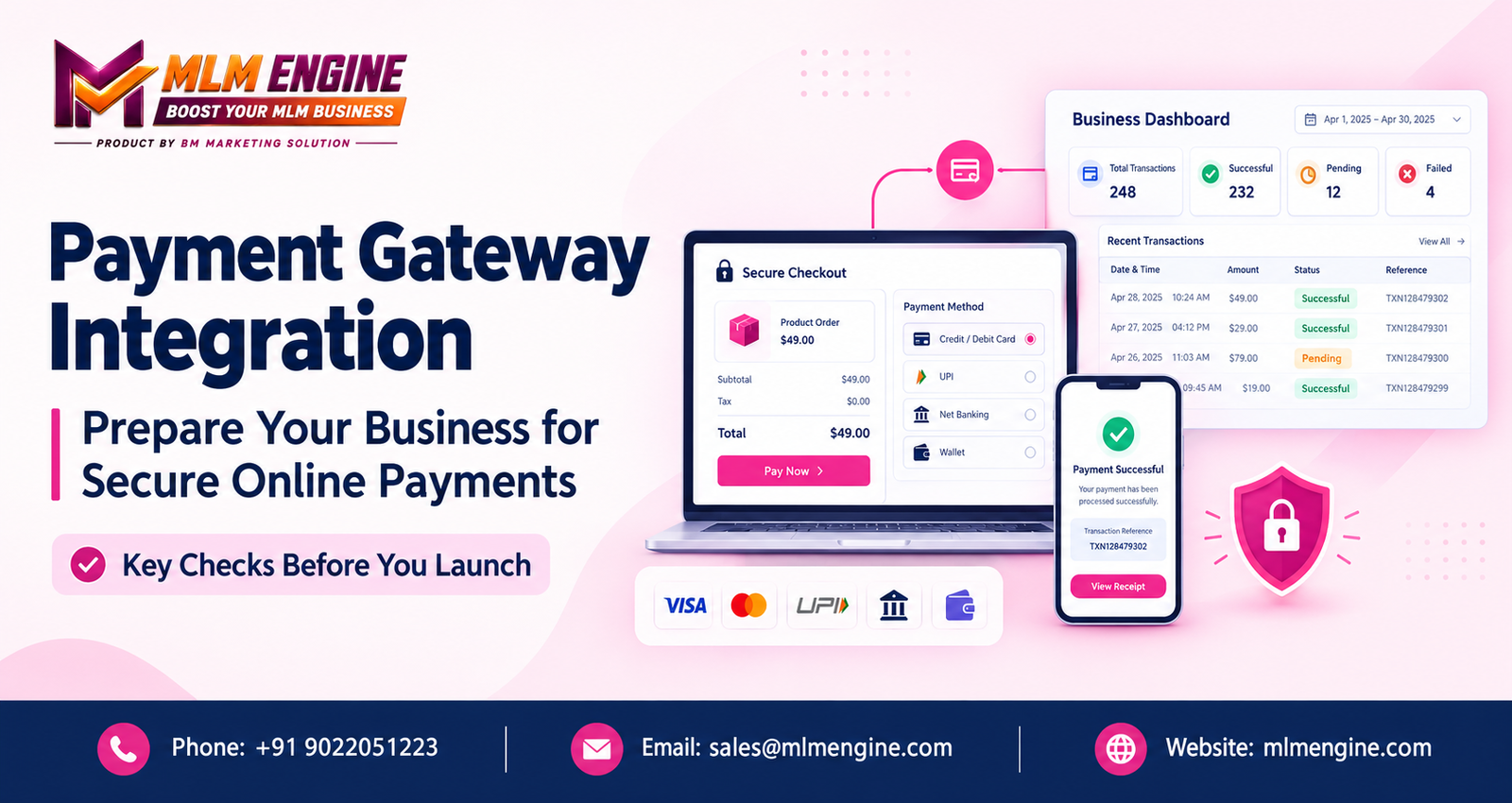
Online payments now sit at the center of many websites, e-commerce stores, subscription services, and digital platforms. A customer who cannot pay smoothly rarely waits around to try again.
Still, accepting payments takes more than adding a “Pay Now” button. You need to think about the payment provider, technical compatibility, security, how transactions are recorded, refunds, testing, and the checkout experience. Payment Gateway Integration is the work of connecting your website or software to a payment service, and careful preparation helps you find technical gaps and operational requirements before live money is involved.
This guide covers how integration works, which features to evaluate, security and testing essentials, common mistakes, and how to prepare for launch.
Payment Gateway Integration means connecting a website, mobile app, e-commerce store, or business platform to a payment service so customers can pay through supported methods. The gateway acts as the secure link between your system and the provider that handles the transaction.
A typical payment flow looks like this:
The exact workflow depends on the gateway, the payment method, the integration approach, and the provider’s rules.
It also helps to know three terms that often get mixed up. A payment gateway transmits payment information between your system and the provider. A payment processor handles the transaction with the banks or card networks. A merchant account is where approved funds are settled for your business. Some providers bundle these roles and others separate them, so never assume every provider works the same way.
A rushed launch tends to expose problems with real customers. Planning lets you work out what your business actually needs. Common requirements include:
The right setup depends on your business model, customer locations, transaction types, platform, and chosen provider. Integration alone will not raise sales or eliminate failed transactions. What it does is give you a stable base to build on.
Different business models use online payments in different ways.
Online stores need smooth product checkout, order confirmation, accurate payment status updates, and a clear refund process. The payment result should also connect with inventory and order management so that a failed payment never reduces stock, and a confirmed one triggers fulfillment. A well-chosen e-commerce payment gateway supports this flow without manual intervention.
Recurring billing adds more moving parts: payment authorization, renewal handling, failed-payment notifications, cancellations, and subscription status management. Recurring payments need specific support from the provider and must follow applicable rules, so confirm this before you design your plans.
Consultants, trainers, and agencies often collect payment for bookings, consultations, digital services, or service packages. Here the key question is how a confirmed payment is linked to the right booking or invoice.
Websites and applications may take payments for subscriptions, service fees, or purchases. What is allowed depends on your business model and on provider approval, so check this early.
Businesses that operate through member or distributor networks often need each confirmed payment tied to the correct customer, order, or account. Verified transaction records matter a great deal here, and the payment workflow must match what the software can actually do. Businesses in this space can explore MLM Engine as a software brand when discussing broader software requirements, and should confirm any specific payment gateway support directly with the provider before making assumptions.
Think like a buyer. These are the areas that tend to decide whether a setup works well in daily operations.
Cards, UPI, net banking, digital wallets, and other local options may all be relevant to your customers. Availability depends on the provider, your merchant eligibility, your location, and your business category, so check which methods will actually be enabled for you.
Confirm that the gateway works with your website technology, e-commerce platform, mobile app, or business software. Payment API integration deserves a close look: review the documentation, authentication requirements, sandbox availability, and the level of developer support. Poor documentation can turn a simple project into a long one.
Your system should distinguish between successful, pending, failed, cancelled, and refunded transactions where applicable. Each record should carry a transaction ID, timestamp, and order reference. Rely on verified responses from the provider rather than a browser redirect alone, because a customer returning to your “thank you” page does not prove the money arrived.
Decide how refunds are handled, including partial refunds where supported, plus disputes and settlement records. Payment reconciliation means matching gateway reports against your internal accounts, and it is far easier when transaction references are stored consistently from day one.
Look for transaction reports, payment confirmations, failed-payment alerts, and administrator visibility. What is available depends on the gateway and how the integration is designed.
Review the provider’s support channels, technical documentation, service availability information, and troubleshooting process. Consider whether the setup can handle the transaction volume you expect. No provider can honestly promise uninterrupted service or guaranteed processing speeds, so treat such promises with caution.
Security belongs in planning, implementation, and ongoing maintenance, not just at launch. These are the main points to cover when building secure online payment solutions:
Strong payment gateway security is a shared effort. Using a third-party gateway does not automatically secure every part of your website or remove all compliance responsibilities. Verify what remains with your business by asking your provider and a qualified security professional.
Most launch problems come from a handful of avoidable errors:
Work through these steps in order. Doing so keeps the decision grounded in your actual needs.
List the payment methods you need, where your customers are, your transaction types, expected workflows, and your business model.
Check that the provider supports your industry, business structure, and proposed transaction types.
Review setup charges, transaction fees, taxes, refund-related charges, settlement timelines, dispute fees, and any other costs. Get the figures from the provider directly rather than relying on third-party summaries.
Confirm support for your website, application, e-commerce platform, or business software, including how website payment integration is handled on your stack.
Read the provider’s security documentation, applicable standards, data handling practices, and the responsibilities assigned to your business.
Request sandbox access and check key customer and administrator workflows. Thorough payment gateway testing should cover successful payments, declines, cancellations, refunds, and repeated notifications.
Look at onboarding help, technical support availability, troubleshooting guidance, and escalation procedures.
Assign people to monitor transactions, investigate payment issues, review reports, update the integration, and answer customer queries.
MLM Engine is a software provider that businesses can contact to discuss their broader software requirements and integration needs. Companies that plan to connect a payment gateway with a website or business application should first write down their payment workflow, platform requirements, transaction records, security expectations, and reporting needs. A clear brief makes every vendor conversation more productive.
When you speak with the MLM Engine team, ask about the integration options currently available, supported payment providers, implementation requirements, customization scope, pricing, and support arrangements. These details can change, so confirm them directly rather than assuming. You can learn more at https://mlmengine.com/.
Careful planning of Payment Gateway Integration helps you launch online payments with fewer surprises. Payment methods, technical compatibility, security, transaction verification, refunds, payment reconciliation and testing all deserve attention before you go live. Choose a gateway based on what your business actually needs, not on price or popularity alone.
If you are working out your software requirements, you can discuss them with MLM Engine and verify the relevant integration options directly with the team.
Contact MLM Engine
How to Manage Multiple Warehouses for a Product Distribution Business A distributor with several warehouses needs more than a stock total. Staff need to know
MLM Software in Chennai: How Direct Sellers Can Organize Their Business Operations A growing direct-selling business may have member details in one spreadsheet, order histories
How an MLM Genealogy Tree Works: Visualizing Distributor Networks Step by Step Imagine an administrator opening a spreadsheet on a busy Monday. A distributor has
Repurchase MLM Software in Hadapsar: Managing Repeat Purchases, Distributor Networks and Commissions Picture an administrator at month-end. A distributor says her repeat order from three
Repurchase MLM Software in Hadapsar: Managing Repeat Purchases, Distributor Networks and Commissions Picture an administrator at month-end. A distributor says her repeat order from three
Repurchase MLM Software in Hadapsar: Managing Repeat Purchases, Distributor Networks and Commissions In a network marketing business, one order matters less than the orders that
H1: Investment MLM Software Katraj: Streamlining ROI-Based Operations Generation MLM Software Kharadi: A Smarter Way to Manage Multi-Level Growth Every generation-based MLM business hits the
A distributor management system is a digital platform that helps businesses manage distributor profiles, registrations, sales activities, orders, performance records, and communication from a centralized dashboard.
A distributor mobile app should ideally include secure login, profile management, order placement, sales reports, product catalogs, notifications, transaction history, and support access. The required features depend on the business model and distributor workflow.
Payment gateway integration enables businesses to accept digital payments securely through supported payment methods. It can simplify checkout, provide transaction records, and help administrators reconcile payments with customer orders.
Businesses can connect an e-commerce store with a distribution platform through APIs, webhooks, or compatible integrations. This can help synchronize product details, inventory, customer records, and order information, depending on the systems involved.
Business analytics helps companies evaluate sales trends, order volumes, customer activity, inventory levels, and team performance. These insights can help managers identify operational issues and make more informed decisions.
Automated communication can deliver registration confirmations, order updates, payment notifications, training reminders, and important announcements. It reduces repetitive administrative work and helps keep distributors informed.
Businesses can improve inventory forecasting by analyzing historical sales, seasonal demand, current stock levels, pending orders, and product movement. Regularly updating forecasts helps with purchasing and inventory planning.
Before development, businesses should define their objectives, target users, essential features, integration requirements, security needs, budget, scalability expectations, and maintenance plans. A clear requirements document helps establish project scope and testing criteria.